 Yotam Fromm
Websites
How I designed this site: plan, wireframes, several mockups, one contract
My first design attempt drew before it planned, and looked bad. This is the order I use now: a story, structure-only wireframes, several mockups to choose from, one DESIGN.md contract gated in code, and the tools behind each step: Trove, Stitch, a design-site skill and a guidebook of my own feedback.

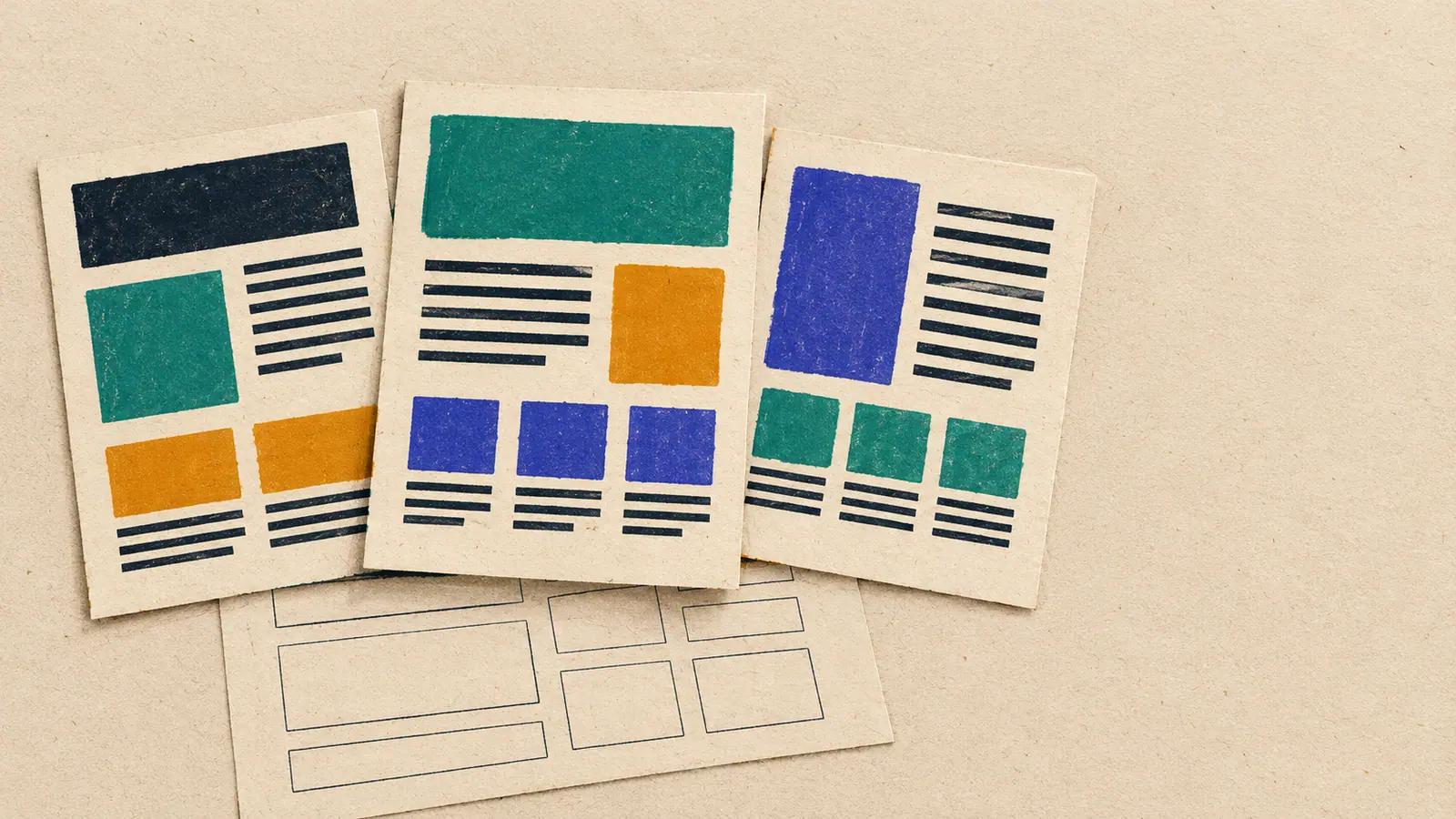
My first attempt at this site's design looked bad. An agent drew grey box wireframes in a palette it took from generic design rules, and the first thing I asked was whether it had checked my own library. It hadn't. It had skipped straight to drawing.
A good site design is planned before it is drawn: first wireframes that fix what every page holds, then several mockups to choose from, then one written contract that every later build is checked against, with the tools (Trove for the rules, Stitch for the mockups, a design-site skill to build and judge, and a guidebook of my own feedback) each doing one part of that plan.
This post walks through that plan step by step, the way I actually ran it for this site: what each tool did, what it got wrong, and what I still use. The trials themselves have their own posts, linked at the end. Here I want to show how the parts fit together. Where the site runs and how I measure what gets read is in the companion post, Vercel and GA4.
Before anything is drawn, the site needs a story and a reading flow. What should a visitor remember? What should they see first, second and third?
For this site the story is one verse: hold on to one, and do not let go of the other (Ecclesiastes 7:18). I hold code and old texts, and each makes the other more careful. The site is meant to show that, not claim it.
Then every surface gets one goal and one primary action, in my words. The developer side presents me as an AI-enablement engineer. The philosopher side shares ideas and invites people into them. No "hire me" button anywhere, because that is not what I am doing.
This comes first because every later choice, from the home page layout to a colour, gets judged against it. Without a story, "does this look good?" has no answer.
The second step was a plan page with wireframes of every page and every state. They are deliberately not the design. They show which blocks each page holds, so I can check that nothing is missing before anyone spends time on looks.
The plan page had switches: developer or philosopher colours, light or dark, English or Hebrew (right to left), phone or desktop. The same wireframe could be checked in every combination the real site would have to support.
Next to the wireframes sat a features list (features.json). Each feature has an id, a user story and acceptance checks a test can assert. End-to-end tests are named by those ids, so the wireframe and the test suite describe the same site.
What I learned here is that the wireframes that failed were the ones pretending to be a design. Grey boxes in an invented palette invite a verdict on looks. Structure-only wireframes, with the look explicitly left out, invite the right question: is every block here, and in the right order?
Only after the structure was settled did the look start. The first round was three hand-built mockups of the home page.
Mockup A was a toggle: one page that flips between developer and philosopher. Mockup B had two entrances, both sides of me side by side with my name on the seam. Mockup C was a daf, a three-column page modelled on a page of Talmud, with commentary in the margins.
I picked B, plus C's commentary margin on the philosopher pages. The reasons are written into the plan. With A, a visitor sees one side and may never flip. C's three columns collapse on a phone, and the metaphor ends up carrying the design.
Why several? One mockup gets approved or rejected. Three get compared, and the comparison is where you find out what you actually want. I would not have known I wanted the daf margin without seeing it fail as a whole page.
Google Stitch generates full-page UI screens from a prompt and a design system. It also has a public MCP server (a way for an agent to call it as a tool), so Claude Code can drive it.
The rule I settled on: Stitch starts from a design language taken from my own earlier projects, never from a generic palette. Then it makes three directions plus one unusual one, for desktop and for phone, and I pick before anything gets built. For this site that meant four: two-ink, clean Hebrew-first, warm modern, and the daf as the unusual one.
Later rounds went per surface. The home, the developer home and the philosopher home each got their own picks, and DESIGN.md records which screen won on each.
To connect Stitch to Claude Code, you add its MCP server with your own key. Run this in your own terminal, so the key never lands in a transcript:
claude mcp add --transport http --scope user stitch https://stitch.googleapis.com/mcp --header "X-Goog-Api-Key: <key>"
What did not work: Stitch invents content. Its screens came back with journals I never published in, numbers nobody measured and dates that never happened. Some generations finished on Stitch's side but could never be retrieved. Its screens are a visual spec, and every word on them is placeholder. In a later blind trial it scored well, and only the transcripts showed how few screens it had actually returned.
After the build I ran a separate research pass on how other people drive Stitch from an agent: Google's own Stitch skills, the Stitch SDK, practitioners who rebuilt their sites with it, and my Trove books. The practices below come from that research, and not all of them are things I did on this site. They are what I would carry into the next run.
Set the design system once, then prompt only layout. Google's generate-design skill says that once a project has a design system, a prompt must not repeat colours, fonts or roundness. A prompt carries the page's purpose, the platform and a numbered page structure, in UI words rather than adjectives: "sticky navigation bar with a centred logo", not "a nice header". Edits change one thing at a time.
Explore with variants, then commit. A variants call can vary layout, colour scheme, images, fonts or text, from a small refinement to a full rethink. Export only after you have picked a direction.
Check before you retry. A generation takes minutes. A client that times out reports a failure while Stitch keeps working, and a blind retry spends a second generation. List the project's screens first.
Convert to tokens, not to the nearest utility class. Generic conversion turns an exact value into the nearest default, one pixel off or a slightly different blue. Map every value to a DESIGN.md token, and download images when you convert, because Stitch's asset links expire.
Keep the look and write your own words. Another developer found Stitch inventing metrics for his portfolio, as it did for mine. He kept the visuals and wrote the content himself.
Keep a person at the merge. My Stitch book's default workflow is variants as proposals, a branch with tests and a pull request, a visual diff, and a human sign-off before merge (Autonomous UX Refactoring with Claude Code and Google Stitch, p. 12).
The picks only matter if the build follows them. So the design lives in one file, DESIGN.md: the story, the picks per surface, and one block of tokens (colours, type, spacing, motion). Nothing in the build may use a value that file does not define.
DESIGN.md is Stitch's own idea: a Markdown file an agent can read, with the tokens on top and the rules below (an explainer, and Google's Stitch skills). What I added is the reconciliation. Stitch's values drift, so every value from a picked screen was sampled and then kept, adopted or rejected.
One example: Stitch put small white text on the site's rose colour, #C0545D. That pair measures 4.499:1, just under the WCAG AA contrast minimum. The rose stayed for marks and rules, and a darker rose was added for text.
The contract is enforced in code, not by review. The token gate runs before every build, and a value outside DESIGN.md fails it:
cd web && node scripts/check-tokens.mjs
Trove is the library my agents read from: my books and my own notes, with page-level citations. Before the first screen, an agent read my design books and pulled out the rules that applied, each with its page. One was a book on UI/UX principles for agents, another on driving Stitch from Claude Code.
Some of those rules shaped everything above. DESIGN.md is the contract. Generated token values are probabilistic, so check each one. Stitch HTML is a spec, not production code.
The second half of Trove's role is the one I care about most: a note for my future self. Every piece of feedback I gave during the build went into a Trove book, the Website Guidebook, first as a log entry in my own words and then as one rule with a Why, a Check, a Scope and a Source.
The book has one stated purpose: sites built with it must not look the same, but must pay attention to the same things. The next site I build does not start from zero. It starts from everything I noticed this time.
Any agent can read it:
trove items toc <book-id> --no-session
trove items get <book-id> --page <n> --no-session
What did not work was design books on their own. When I tested Opus reading my design books against plain Opus, the books removed the generic AI look but made the two sides of the site look alike, and lost the vote. Books give rules. They do not give taste. My own feedback does.
The last piece turns all of this into something repeatable. design-site is a Claude Code skill (a packaged set of instructions and scripts the agent follows). One run is one complete design of the site: built unattended on its own branch, scored blind and logged as one row in a trial ledger.
It has two recipes. The default is plain Opus with Anthropic's frontend-design skill, a binding DESIGN.md and the Guidebook. The Stitch lane is the same build, given Stitch screens as a visual spec.
run.sh all
run.sh all --stitch
Every build gets a fresh copy of the Guidebook in its prompt, and every review turns the Guidebook's checks into acceptance checks. Scoring, the judges and the ledger row are scripts, not a model's opinion of itself.
Plain Opus is the default because in my bakeoff of five routes to a design, plain Opus with a binding DESIGN.md scored highest, in 7.1 minutes. Stitch stays an optional lane. It gives layout variety and a spec the build can cite, at the cost of reliability.
Planning first worked. The story and the reading flow settled arguments before they started. Structure-only wireframes, checked in every mode, theme, language and screen size, caught missing pieces while they were cheap to add. Several mockups, and later several Stitch directions, turned choosing into comparing. One contract with a gate in code kept the build honest, and a guidebook built from my own feedback means every later build starts from what I already noticed.
Three things did not work: box wireframes dressed up as a design, design books on their own, and trusting Stitch's content or its own report of what it generated.
I still use all of it, in that order. Stitch is the one part I use only sometimes, when I want layout variety and am willing to check every screen it returns.
- Write the story in one sentence, and the reading flow for each surface.
- Draw structure-only wireframes of every page and state, and list the features as testable checks.
- Make several mockups (three, plus one unusual), and pick by comparing them.
- Write DESIGN.md with the picks and the tokens, and gate the build on it.
- Keep a guidebook of your own feedback, as rules your agents read before the next build.
I wrote this prompt for the page, as a starting point for your own agent. I have not run it in this form:
Before drawing anything, write the site's story in one sentence and the reading flow for each page. Then draw structure-only wireframes of every page and state, with no colours or fonts. After I approve the structure, make three mockup directions plus one unusual one from my existing work, desktop and phone. When I pick, write DESIGN.md with the picks and every token, and fail the build on any value it does not define.
The companion post, Vercel and GA4: publishing as commits, analytics after consent, covers hosting and measurement. The trials behind this post have their own write-ups: Five routes to a site design, and plain Opus won is the bakeoff behind the default recipe, Do my design books make Opus a better designer? is the blind trial of the Trove design books, and Stitch against Claude Design, and the correction after the score shows what Stitch actually returned. Where my knowledge lives explains Trove as the source of truth for agents, and Caps, gates and routing belong in code explains why the token gate is a script.
The books came from Trove, and the page numbers are the ones cited in the site's design research. UI/UX Design Principles for AI Agents (p. 4, p. 5, p. 8, p. 10, p. 12, p. 13, p. 14) gave the type scale, hierarchy, dark mode and the specificity test, which rejects a design that lands in a generic AI look. Autonomous UX Refactoring with Claude Code and Google Stitch (p. 6, p. 7, p. 9, p. 12, p. 13, p. 20), a book in my own Trove library that is not on the marketplace, gave DESIGN.md as the contract, Stitch values as probabilistic, Stitch HTML as a visual spec, headless runs and visual regression.
Awesome Design.md (p. 2) collects DESIGN.md files taken from real sites and shows the template's sections. Vercel Frontend Engineering Guidelines (p. 4) covers accessibility, Core Web Vitals and the theme toggle, and Web Application Security for AI Agents (pp. 4-13) covers the site's security rules for auth, secrets and input. My own Trove book, the Website Guidebook (p. 2, p. 4, p. 7, p. 12), holds the process, visual-identity and technology rules, and the developer-writing rules this post follows.
The tools and docs were Google Stitch, Google's Stitch skills and stitch-mcp, DESIGN.md explained, Anthropic's skills including frontend-design, Claude Code skills, Claude Design, which I tested against Stitch, and the WCAG contrast minimum.
The Stitch research in step four drew on Google's generate-design and manage-design-system skills, the Stitch SDK, a mirror of the Stitch MCP tool reference, and stitch-to-nextjs on conversion drift and expiring assets. It also drew on three practitioners' write-ups: Redesigning a portfolio with Stitch, Redesigning britter.dev and Rebuilt with AI in six hours.
My own records were the site's DESIGN.md, the Stitch design record in design/stitch/, the plan page with the wireframes and features.json, and a /learn research run on designing a website with Claude Code across Trove, Exa and the official docs.